Never starts over
Progress is saved as it lands. If the app is closed or the network drops, it picks up exactly where it stopped.
 A Slipstream family app ↓
Paste a link, a cURL or a wget. Downstream pulls the file over up to 32 connections at once, and keeps going after you leave.
Paste a link or a command…No renders, no mock-ups. These are screens straight from Downstream on iPhone.
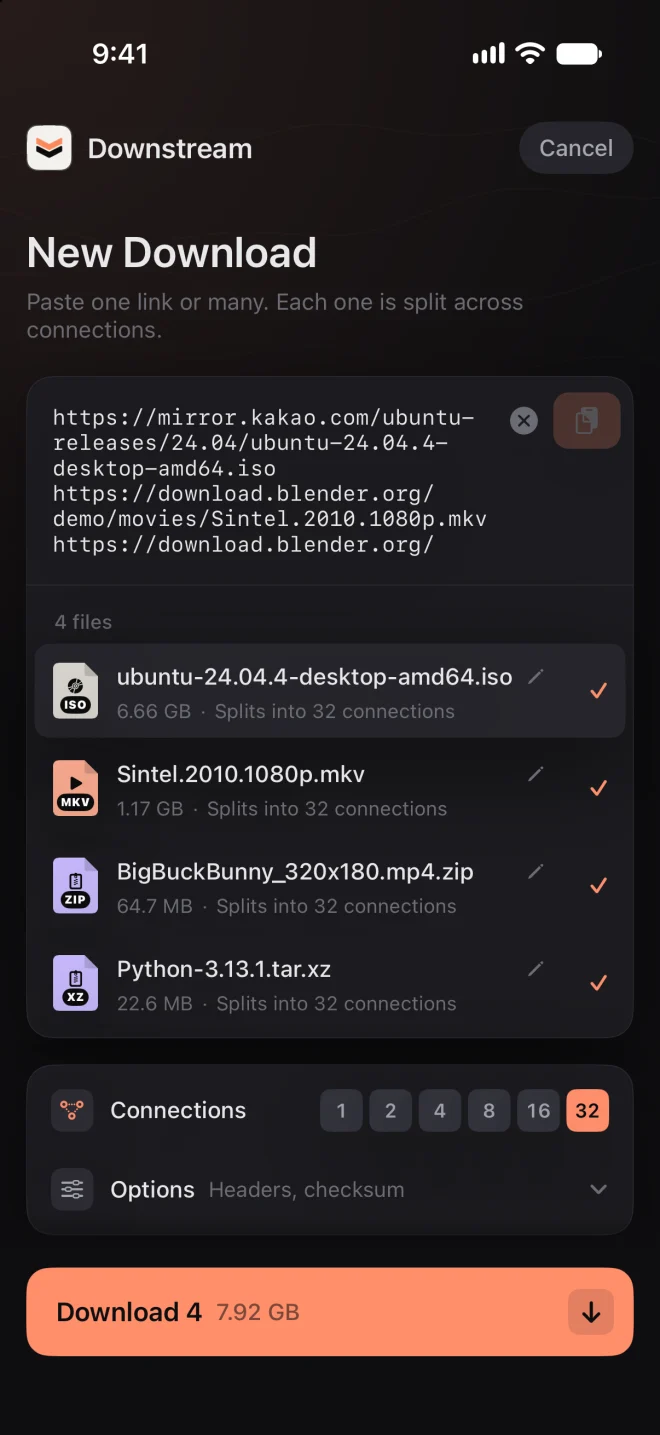
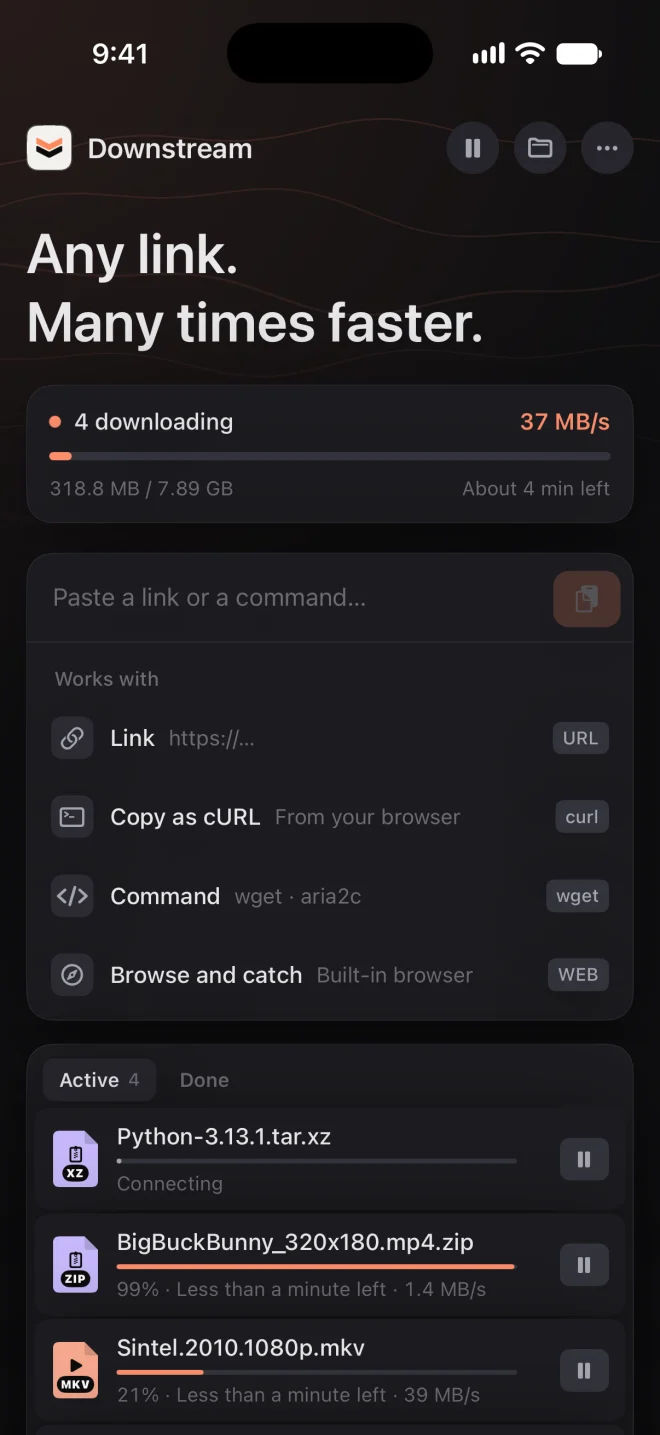
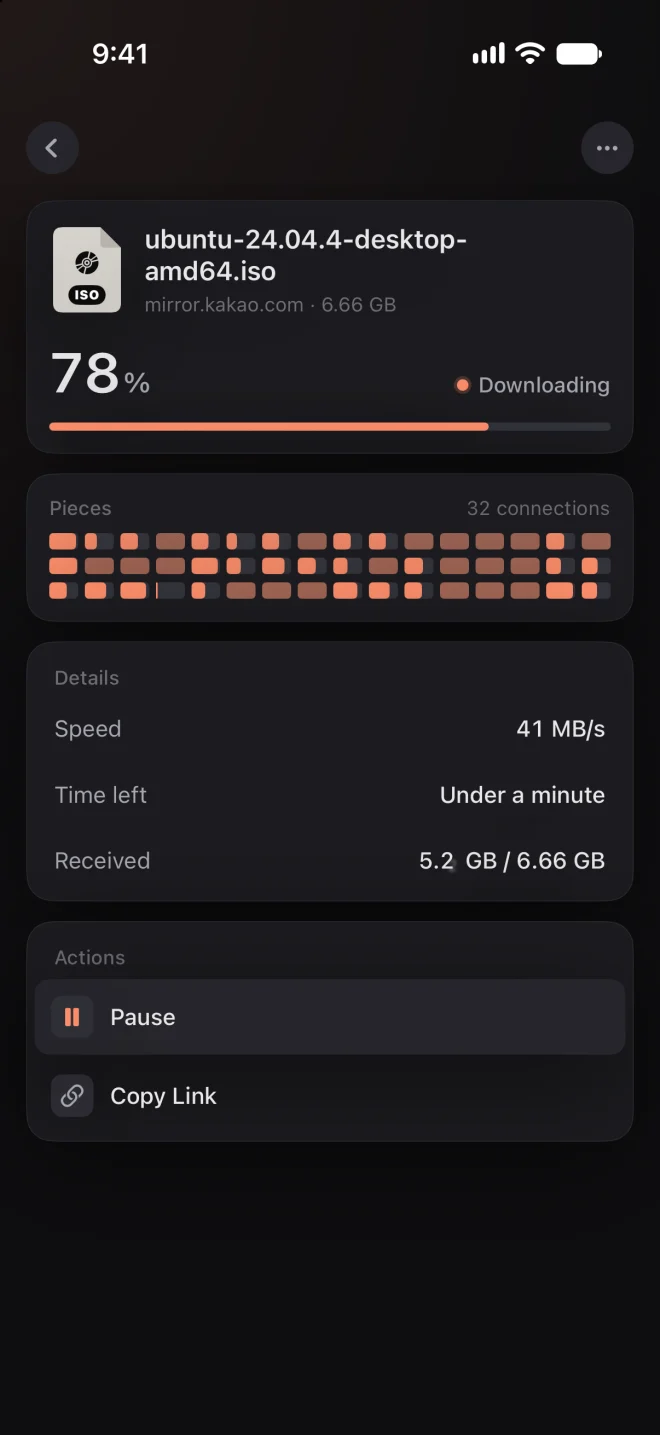
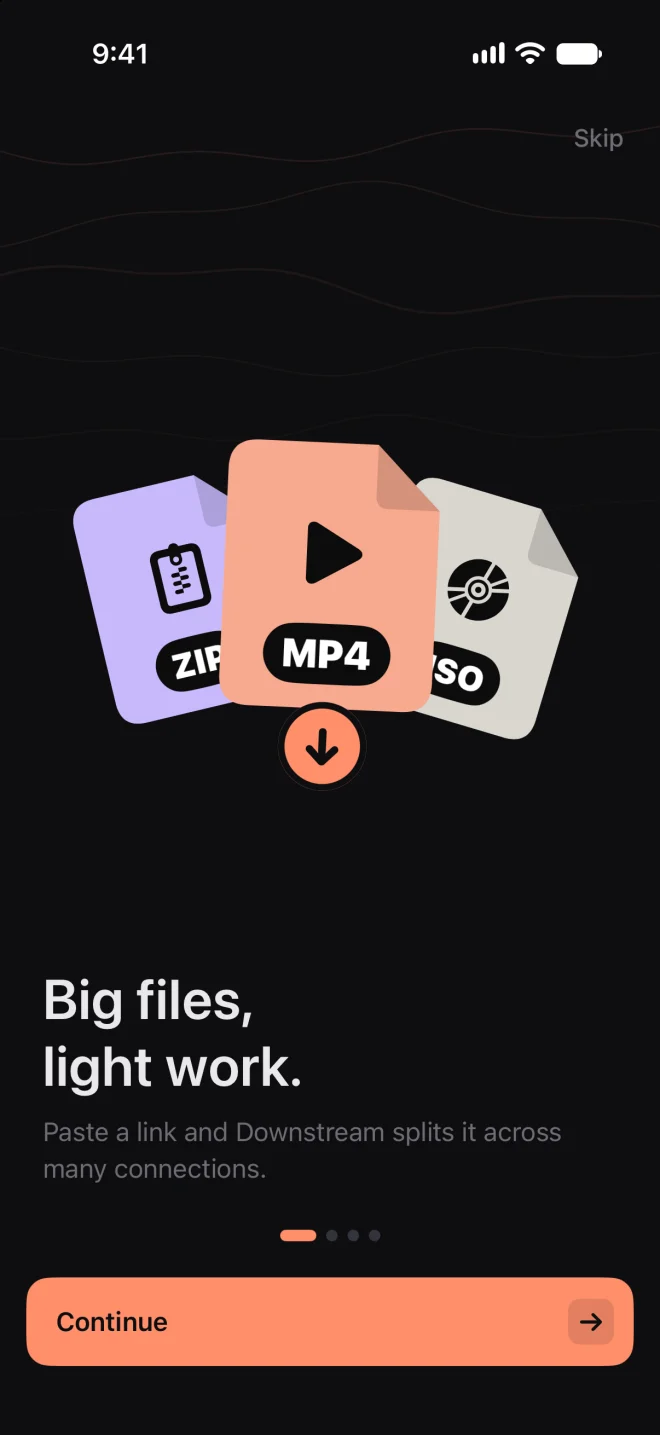
A normal download is one connection doing all the work. Downstream splits the file and runs many at once. When a lane finishes early it takes half of the slowest one, so nobody waits at the end.
One small request learns the real size, name and whether the server allows pieces.
The biggest remaining stretch is cut in half and handed to a new connection, again and again.
A connection that finishes takes over half of whatever is left the longest. Every lane stays busy to the last byte.
Each connection writes straight into its own spot in the file. No temporary pieces, no joining step.
Many servers cap how fast each connection may go. One connection hits that cap. Thirty-two don't.
A model, not a benchmark: a 6.6 GB file on a 1 Gb/s line (125 MB/s), with the server allowing the speed shown per connection. Real servers vary, and some allow only one connection; then Downstream simply uses one.
Copy as cURL from a browser, a wget line, an aria2c command or just the link. Downstream reads it and fills in the rest.
https://cdimage.example.org/linux.isocurl 'https://…/data.zip' -H 'cookie: session=…'wget --header='Authorization: …' https://…aria2c -x16 --checksum=sha-256=… https://…https://…/movie.mp4|Referer=https://…Before anything starts, Downstream asks the server and shows the real file name, its size and whether it can resume.
Switch apps, lock your phone, put it in your pocket. Downstream hands what's left to iOS, which keeps downloading for you.
Every connection runs at full speed.
The remaining pieces go to iOS as background downloads.
Finished pieces drop into place and the fast lanes pick up again.
Progress is saved as it lands. If the app is closed or the network drops, it picks up exactly where it stopped.
If the file changes on the server mid-download, Downstream notices and starts fresh instead of stitching two versions together.
If a server pushes back, Downstream uses fewer connections, then tries one more every ten seconds.
Give it a SHA-256, SHA-1 or MD5 and it verifies the finished file for you.
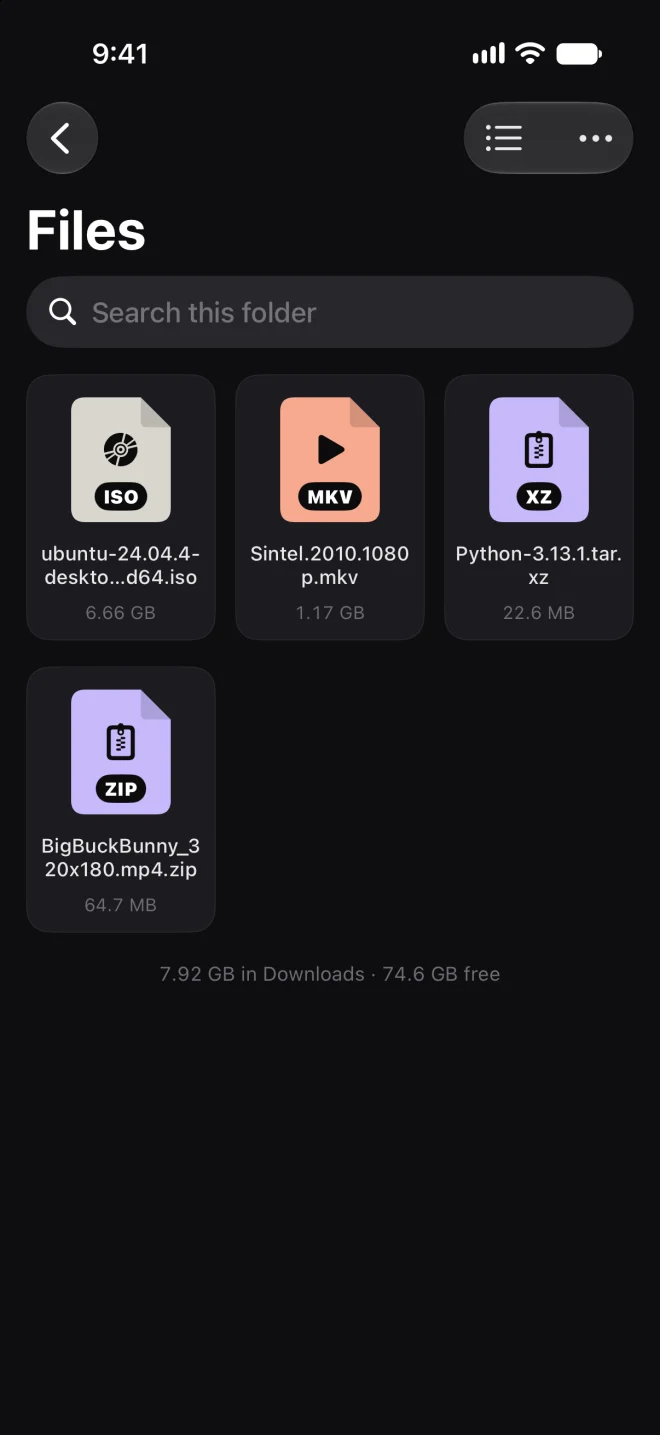
Everything lands in Files › On My iPhone › Downstream. Sort it into folders, preview it, share it, or open the archive right there.
Browse to a page and catch the download link there. Bookmarks and sign-ins are kept on your device.
Paste a whole list. Each link is checked and split on its own.
Choose how many files download at the same time. The rest wait their turn.
Cap the total speed so the rest of your network stays usable.
Set User-Agent, Referer and Cookie per download, or once for every download.
SHA-256, SHA-1 or MD5, checked when the file is complete.
downstream://add?url=… starts a download from Shortcuts, a bookmarklet or another app.
A notification the moment a file is ready, even when you're in another app.
Readable centered columns on every screen, and iPad in any orientation.
Follows your device's language.
 +
Downstream has a sister app. When a download is done, tap Slipstream and the file goes straight to your Mac, iPad or another iPhone, over a cable and wireless at the same time.
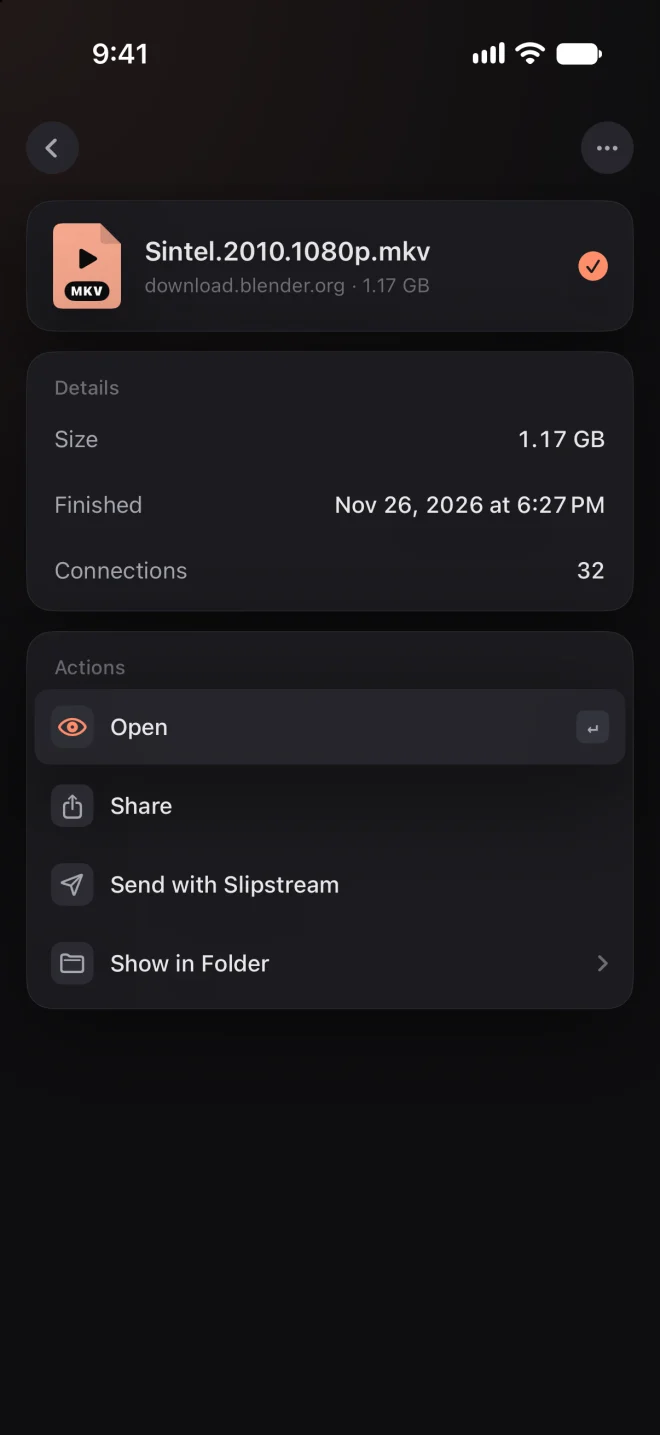
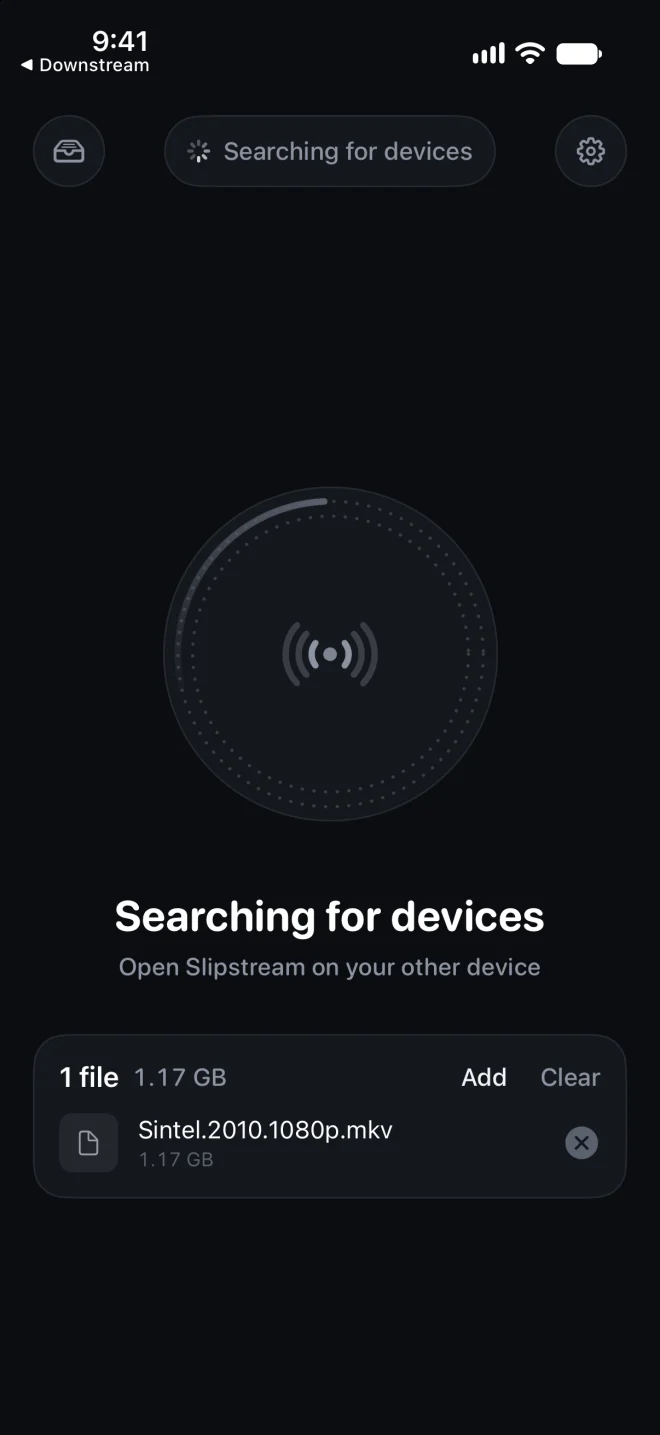
Measured by Slipstream, Mac and iPhone 16 Pro over a USB 3 cable.
Big file, many connections, done.
It's handed over directly: no copy, no extra space.
Up to about 700 MB/s with a USB 3 cable.
Not every one. Downstream helps most when a server limits each connection, or when the server is far away. If your line is already full with one connection, more connections can't make it fuller. Small files finish in a moment either way.
Downstream notices on its first request and simply downloads over one connection, with the same resume and background support.
Yes. When you leave, the pieces that are left are handed to iOS as standard background downloads. When you come back, the finished pieces are put in place and the fast connections pick up again.
Progress is saved as it lands, so the download resumes from where it stopped. Nothing already downloaded is fetched again.
Yes. Paste a “Copy as cURL” from your browser and the cookies, referer and other headers come with it. There's also a built-in browser with bookmarks and saved logins.
No. Downstream downloads files from direct links. It doesn't extract streams from video sites and it doesn't do BitTorrent.
Into Files › On My iPhone › Downstream. You can preview them with Quick Look, share them, sort them into folders and unpack zip, RAR and 7z archives right in the app.
Both apps share a folder. When you tap Slipstream on a finished download, Downstream clones the file into it (instant, no extra space) and opens Slipstream, which sends it on. If Slipstream isn't installed, you get the usual Open In menu.
No account, no ads, no tracking. Your links and files stay on your device and go only to the servers you download from.
Downstream for iPhone and iPad. A companion to Slipstream.
Coming soon to the App Store